Module 3: Post-production
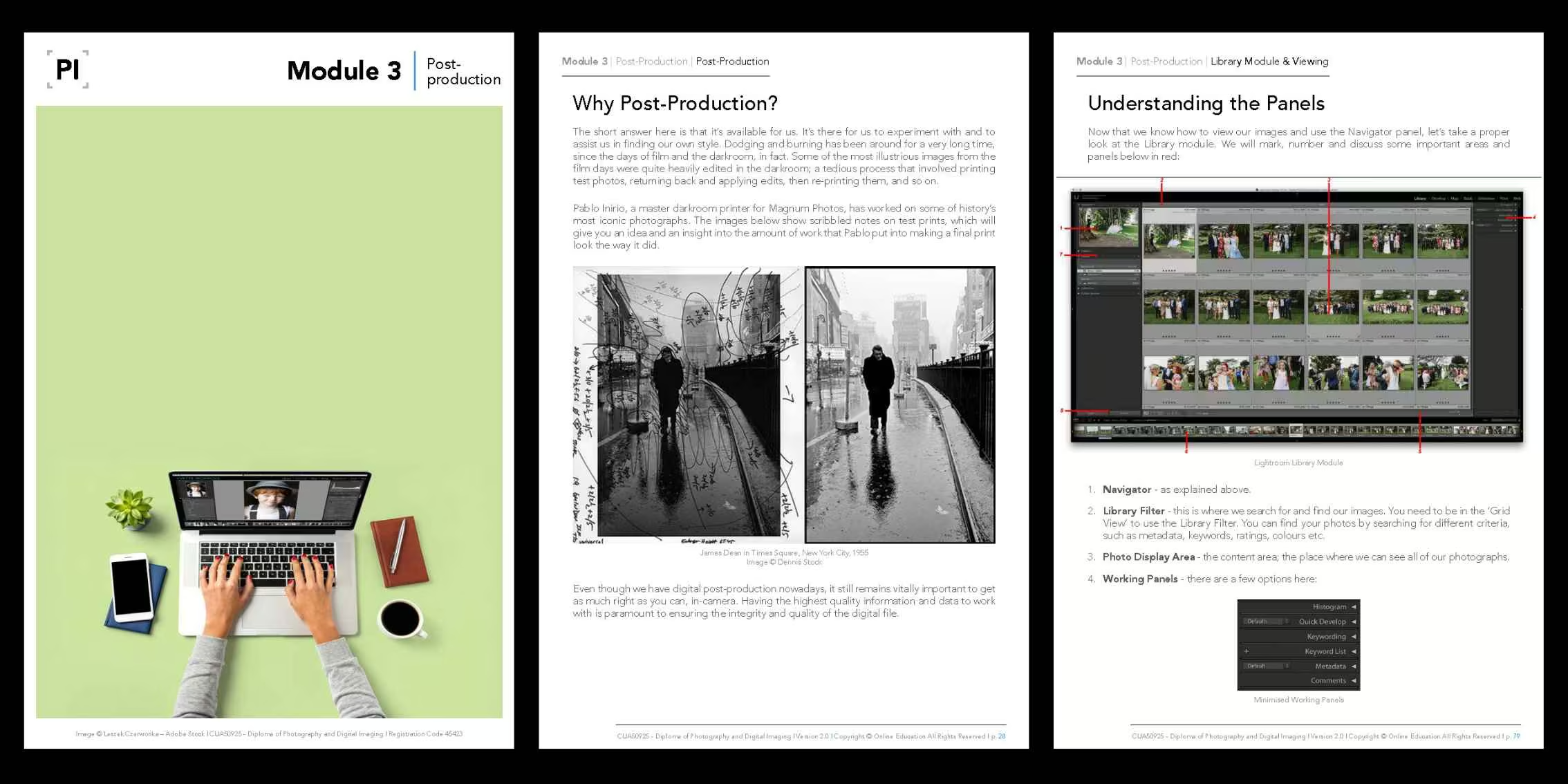
This module is all about post-production. You’ll explore key software, including Lightroom, Photoshop, and Capture One, while also gaining an understanding of essential technical concepts such as file size, DPI/PPI, and the hardware that supports a smooth workflow. We also cover practical storage and backup solutions, so your work stays secure and future-ready.
The module then guides you through Lightroom Classic, focusing on how to set up your catalogue, organise files, import images, and navigate the Library and Develop modules. You’ll learn how to build collections, manage metadata, and use tools such as Grid View, Compare, Survey, Quick Develop, and Virtual Copies to streamline your image management, even with large photo libraries.
Finally, you’ll move into the creative heart of editing. Through Lightroom and Photoshop, you’ll work with tone, colour, masks, gradients, sharpening, noise reduction, lens corrections, presets, and retouching tools to elevate your images with intention. By the end, you’ll have a clear, organised editing workflow and the skills to bring your photographs to a polished, professional finish.
This module is part of the Diploma of Photography and Digital Imaging (CUA50925) and is designed to prepare you for professional practice by integrating post-production into your photography workflow.
Why This Module Matters
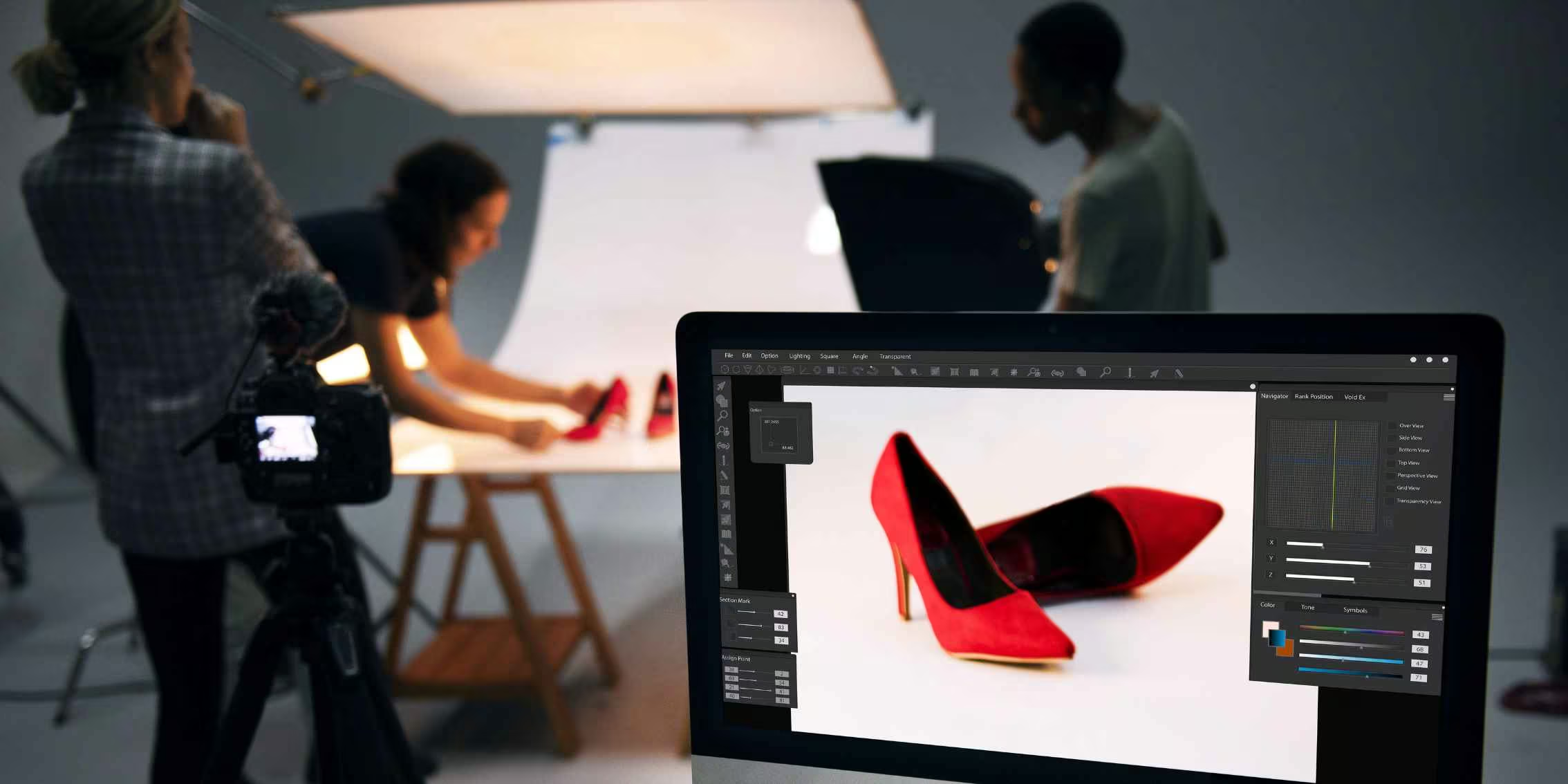
This module introduces you to the digital darkroom where images are shaped, enhanced, and made ready for delivery. You’ll work through the core software tools used across the industry, gain clarity on a range of techniques, processes and practical methods that help ensure consistency between screen and print. From sharpening and tonal control to calibration and file preparation, this module develops the technical assurance required to produce reliably high-quality images for any medium.
- Build practical editing skills across major software so you can refine images to a professional standard.
- Establish a fast, organised workflow through catalogue setup, metadata, presets, and batch processing.
- Learn professional output through export methods and advanced retouching techniques.
- Strengthen your technical understanding of file sizes, DPI/PPI, hardware, and storage to protect image quality.

What You’ll Learn
-
Post-Production Principles
Learn how to operate Lightroom, Photoshop, Capture One, and related tools.
-
File Management
How resolution, file size, hardware, and storage systems affect your image and workflow.
-
Software Techniques & Processes
Organisation through catalogs, metadata, presets, and batch-processing methods.
-
Post-Production Practice
Retouching, colour grading, sharpening, and preparing files for print or web output.
What You’ll Do
-
Workflow In Post-Production
Build a clear, efficient, and consistent approach to your post-production workflow.
-
Retouching Skills & Editing Methods
Gain practical skills across a wide range of editing and retouching techniques.
-
Software Expertise
Experiment with the key tools in Lightroom, Photoshop, Camera Raw and more.
-
Expand Your Creative Possibilities
Explore advanced editing and image-manipulation methods through specific tasks.
Units Covered
This module integrates practical skills from the following accredited units:
- CUAPHI523 – Employ colour management in a digital imaging workplace
- CUADIG518 – Refine digital art techniques
- CUAACD522 – Work with photomedia in creative practice
- CUADIG415 – Produce innovative digital images
- CUAIND411 – Extend expertise in specialist creative fields
- CUAPHI403 – Enhance, manipulate and output photo images
- CUAPHI521 – Make illustrative photo images for publication and display
- CUAPHI533 – Explore and apply photo lighting techniques
- CUAPHI535 – Produce commercial photo images
- CUAPHI536 – Provide photographic portrait services
- CUAPHI537 – Produce media photo images
- CUAPPR511 – Realise a body of creative work
These units are taught through practical tasks, interactive tutorials, visual references, carefully selected external links, and hands-on assignments, ensuring you develop both your analytical and creative abilities. Our modules combine high-quality images, diagrams and theoretical content in an easy-to-digest format.
Please note: The above list is not indicative of unit completion; most of our units are taught (in parts) across multiple modules.

Module Topics
In Module 3, we will cover the following topics and beyond:
- Post-Production Introduction
- Capture & Editing Software
- Capture One Software
- Adobe Photoshop (Ps)
- Adobe Lightroom (Lr)
- Exposure Software
- Other Image Editing & Retouching Tools
- The Interesting Issue of DPI & PPI
- Image File Size: How Big is Big Enough?
- Computers & Monitors
- Data Storage & Digital Video Disc
- External Hard Drives & Solid State Drives
- Raid Arrays & The Future of File Storage
- Future Proofing Your Files
- Backing Up Your Photographs
- The Graphics Tablet
- Post-Production
- Why Lightroom?
- Creative Cloud Overview
- Quick Tip: Updates for Creative Clouds Apps
- Lightroom Classic System Requirements & Help
- Lightroom Classic vs Lightroom CC
- Lightroom Classic vs Photoshop CC
- Introduction to Lightroom & Keyboard Shortcuts
- Setting Up Your File Structure
- An Overview of the Lightroom Interface
- Library, Develop, Map & Book
- Slideshow, Print & Web
- Set Up Your Catalog, Import Images & Collections
- Step 1: Creating a New Catalog
- Step 2: Setting Up Your Catalog Settings
- Step 3: Setting Up Your Preferences
- Step 4: Store Presets With This Catalog
- Step 5: Identity Plate Setup
- Step 5: Importing Your Images
- Setting Up Folders in Lightroom
- Collections & Quick Collections
- Creating a Collection & a Target Collection
- Smart Collection
- Library Module & Viewing
- Finding Your Way Around
- Understanding the Panels & Grid View
- Compare & Loupe Mode
- Survey View & Lights Out Mode
- Stacking, Quick Develop & Virtual Copies
- Before and After View
- Library, Metadata and Tools Intro & Adjustments
- Metadata & Metadata Templates
- Rating, Flag, & Label Options
- Flags, Labels & Filter Bar
- Searchable Text Filter
- Keyword Basics, Sets & List
- Titles and Captions
- Develop Module: Tools & Adjustments
- Snapshots & History
- Histogram
- Retouching Tool Strip
- Straighten and Crop Images to Specified Size
- Spot Removal, Right Click & Edit in Photoshop
- Red Eye Correction Tool
- Gradient Adjustment
- Radial Filter & Colour Controls
- White Balance & Eyedropper Tool
- Tone Control, Greyscale & Presets
- Creating Your Own Preset In Lightroom
- Develop Module: Advanced Adjustments
- The Adjustment Brush Tool
- Dodge & Burn
- Portrait Retouching
- Masking Tools
- Advanced Greyscale
- Colour Grading / Split Toning & Cross Processing
- Sharpening & Noise Reduction
- Lens Corrections
- Lens Vignette & Grain
- Transform Tool
- Using Auto, Calibration & Workflow
- Batch Processing in Lightroom
- Speeding Up Your Workflow
- Copy & Paste
- Match Total Exposures
- Exporting Images (Output Files)
- Exporting for Print
- Exporting for Web Images & Watermarks
- Slideshows, Web and Print Modules
- Web & Print Output
- Proof Sheets & Printing Packages
- Web Module & Galleries
- Transitioning Between Lightroom and Photoshop
- Photo Merge
- Working with Photoshop
- Adobe Photoshop for Photographers
- Photoshop Toolbox
- Camera Raw Image Adjustment Basics & Tools
- Photoshop’s Densitometer
- Selections in Photoshop
- Quick Masking & Layers
- Adjustment Layers & Layer Masks
- Retouching & Sharpening
- Unsharp Mask (USM)
- Traps for Young Players
- One Sharpening Methodology
- Selective Sharpening
- HDR for High Contrast Scenes
- Interpolation
- Digital Art
Module Outcomes
By completing Module 3, you will:
- Develop a strong and cohesive workflow in your post-production processes.
- Learn a range of post-production techniques involving several aspects of photography.
- Understand the most useful tools in Lightroom, Photoshop, Camera Raw and more.
- Push your post-production game to its limits while experimenting with image manipulation techniques.
Guidance Every Step of the Way
Our expert photography tutors will support you throughout Module 3. They’ll help you refine your understanding of post-production and demystify the process through effective techniques and practical methods. With guidance and feedback, you’ll leave this module ready to create polished and visually striking images.
Discover the Modules
Explore our course outline page to learn more about the other modules.
View Course Outline


 Argentina
 Austria
 Belgium (FR)
 Bolivia
 Brazil
 Canada (FR)
 Chile
Chile
 Colombia
 Costa Rica
 Ecuador
 France
 Germany
 Hong Kong
 India
India
 Indonesia
 Ireland
 Italy
Italy
 Japan
Japan
 Malaysia
 Mexico
 Netherlands
 New Zealand
 Paraguay
 Peru
Peru
 Philippines
 Portugal
 Qatar
Qatar
 Singapore
 South Africa
 Spain
Spain
 Switzerland (DE)
 United Arab Emirates
 United Kingdom
 United States (ES)
 Uruguay


