Module 6: Colour Management
Colour is one of photography’s most expressive tools, and this module begins by clarifying how it works—both scientifically and creatively. You’ll explore the colour spectrum, colour temperature, and key developments in colour theory, while also learning to recognise how humans and cameras perceive colour differently.
From there, you’ll dive into the digital systems that shape your workflow. You’ll compare major colour spaces, understand gamut, gamma, bit depth, and dynamic range, and learn how to manage colour accurately through white balance, calibration, and proper use of colour-checking tools.
Finally, the module brings everything together in practical application. You’ll learn how monitors, printers, and file formats affect colour, how to soft-proof your work, and how to prepare images for print or web with confidence. By the end, you’ll have a streamlined, colour-managed process that keeps your images consistent from capture to output.
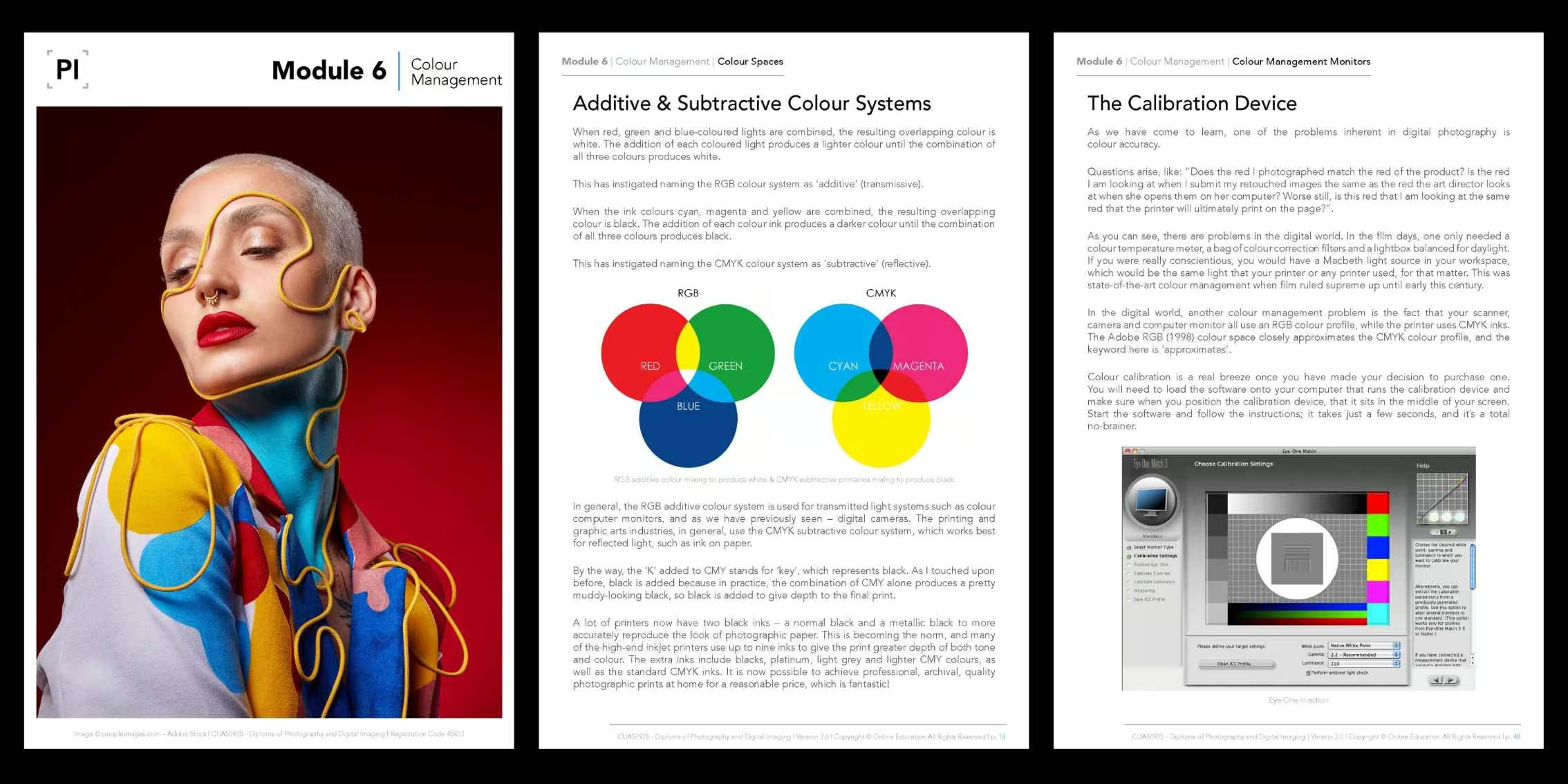
Why This Module Matters
Colour affects mood, atmosphere and therefore the way the viewer perceives your images. Learn how to control another important element in your photography workflow, including white balance. In Module 6, you'll:
- Learn colour theory and how it affects the way the viewer interprets your images.
- Analyse colour spaces, their differences and practical use for print and web use.
- Examine and apply colour management methods in-camera and in post-production.
- Investigate the main file formats and best practices when managing your files.

What You’ll Learn
-
Contemporary & Traditional Colour Theory
Explore Maxwell’s Triangle, modern colour theory, CIE & LAB colour and more.
-
Colour Temperature & White Balance
Master white balance and colour temperature in-camera and in post-production.
-
Device Calibration & Colour Spaces
Learn how to calibrate your devices and effectively use colour spaces.
-
Formats, Resolution, Print & Workflow
Understand file formats and manage resolution and print settings professionally.

What You’ll Do
-
Manage White Balance
Practice setting up custom white balance and analyse the results.
-
Calibrate Your Camera
Use specific tools to calibrate your camera and achieve accurate colour tones.
-
Calibrate Your Monitor
Fine-tune your monitor's colour settings to enhance colour precision.
-
Colour Management Task
Complete colour management exercises in post-production.
Units Covered
This module integrates practical skills from the following accredited units:
- CUAPHI523 – Employ colour management in a digital imaging workplace
- CUAACD522 – Work with photomedia in a practice
- CUAIND412 – Provide freelance services
- CUAPHI403 – Enhance, manipulate and output photo images
- CUAPHI521 – Make illustrative photo images for publication and display
- CUAPHI536 – Provide photographic portrait services
These units are taught through practical tasks, interactive tutorials, visual references, carefully selected external links, and hands-on assignments, ensuring you develop both your analytical and creative abilities. Our modules combine high-quality images, diagrams and theoretical content in an easy-to-digest format.
Please note: The above list is not indicative of unit completion; most of our units are taught (in parts) across multiple modules.
Module Topics
In Module 6, we will cover the following topics and beyond:
- Introducing Colour
- The Colour Spectrum
- Colour Temperature
- Early Colour Theory Development
- Maxwell’s Triangle & Modern Colour Theory
- Colour Spaces
- Additive & Subtractive Colour Systems
- The CIE & LAB Colour
- Managing Colour & Digital White Balance
- Custom White Balance
- A Colour Reality Check
- Seeing Like a Camera
- Colour Perception
- How Do You See Colour?
- Adobe Colour Wheel
- Colour Management In-Camera
- Adobe RGB (1998)
- sRGB
- ProPhoto RGB
- Grey Spaces
- Dynamic Range
- Calibrating Your Camera
- Using Your Colour Checker
- Colour Management Monitors
- The Calibration Device
- Calibrating Your Monitor
- Your Workspace
- Work In RGB
- Gamma
- Gamut
- Gamut Warnings
- The CMYK Colour Space
- Bit Depth
- Colour Channels in Photoshop
- Colour Management ICC Profiles & Rendering
- Output Devices & Resolution Requirements
- Photo Quality Inkjet Printers
- Offset Printing Press
- Lines Per Inch & DPI Conversions
- The Professional Print Lab
- The Web
- Dot Gain
- File Formats for Digital Imaging & Printing
- Camera Raw
- DNG
- JPEG
- Print-Bound Images
- PSD Photoshop’s Default File Format
- TIFF
- EPS
- PDF
- GIF
- JPEG 2000
- Other Random File Formats
- Working With 16-Bit Files
- Converting 8-Bit Images to 16-Bit
- 16-Bit Editing
- Do Your Prints Look Like the Screen Image?
- Soft Proofing
- Professional Labs and File Preparation
- Pixel Perfect – Soft Proofing
- Printing on a Photo Printer
- A Final Word
Module Outcomes
By completing Module 6, you will:
- Understand colour theory and how to manipulate tones and temperature to achieve the desired look.
- Have full control over white balance when capturing your images and understand the main file formats.
- Learn to calibrate your devices for consistency and accuracy, meeting industry standard results.
- Incorporate professional colour management workflow into your photography practice.
Guidance Every Step of the Way
In this module and throughout the course, you’ll be guided by our expert photography tutors, accomplished professionals, currently active with years of industry experience. They are passionate about sharing their knowledge and helping you develop your own photography style, ensuring you feel inspired and equipped to succeed in the photography industry.
Discover the Modules
Explore our course outline page to learn more about the other modules.
View Course Outline


 Argentina
 Austria
 Belgium (FR)
 Bolivia
 Brazil
 Canada (FR)
 Chile
Chile
 Colombia
 Costa Rica
 Ecuador
 France
 Germany
 Hong Kong
 India
India
 Indonesia
 Ireland
 Italy
Italy
 Japan
Japan
 Malaysia
 Mexico
 Netherlands
 New Zealand
 Paraguay
 Peru
Peru
 Philippines
 Portugal
 Qatar
Qatar
 Singapore
 South Africa
 Spain
Spain
 Switzerland (DE)
 United Arab Emirates
 United Kingdom
 United States (ES)
 Uruguay