Lightroom Classic for Photographers
This module offers a clear and practical introduction to Adobe Lightroom Classic, enabling photographers to establish an efficient and professional post-production workflow. Guided by Justin Aitken, you’ll explore why post-production is essential, how Lightroom fits within the Adobe Creative Cloud, and how to set up your system, storage, and catalogs for reliable, long-term use. The foundations of RAW editing, preferences, and workflow organisation are covered to ensure you start with confidence.
You’ll then move through Lightroom Classic’s key modules and tools, learning how to import, cull, organise, and develop images with speed and consistency. The module also explores working alongside Photoshop, including the use of presets, exporting for various outputs, and maintaining a consistent style, supported by practical tips, video tutorials, and real-world workflows.
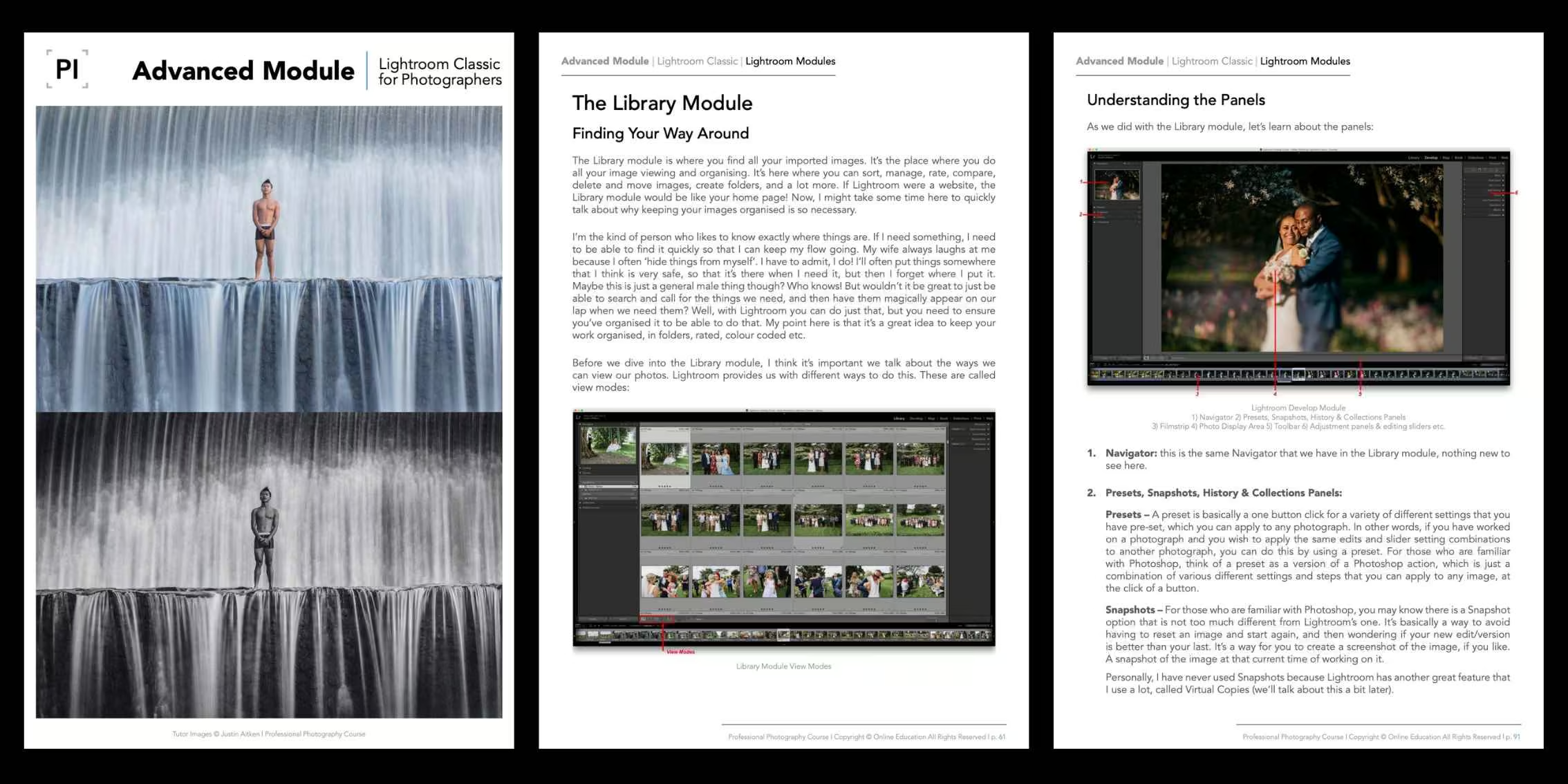
Sharpen your software skills and learn Adobe Lightroom best practices!
High-end photography requires strong post-production abilities. Build confidence in Adobe Lightroom Classic by learning industry-proven workflows, efficient editing techniques, and best practices for organising, developing, and exporting your images. This module focuses on speed, consistency, and control, helping you produce polished results while streamlining your post-production process.

Module Topics
In this module, we will cover the following topics and beyond:
- About Justin Aitken
- Introduction
- Author Tips and Video Tutorials
- What is Lightroom?
- Lightroom Classic vs Lightroom CC
- Lightroom Classic vs Photoshop CC
- Adobe Creative Cloud
- Why Post Production?
- Why Lightroom?
- Computers & Specifications
- Storage
- Lightroom Classic System Requirements
- Mac or PC?
- The Importance of RAW Editing
- Adobe Lightroom Classic
- Preferences
- Catalogs & Settings
- Identity Plate Setup
- Watermarks
- Importing Your Images
- Previews
- Lightroom Modules
- The Library Module
- Finding Your Way Around
- Understanding The Panels
- Collections
- Ratings, Flags & Colour Labels
- Culling
- Moving Images & Creating Folders
- The Develop Module
- Understanding The Panels
- The Adjustment Panels
- Speeding Up Your Workflow
- Virtual Copies
- Photo Merge
- Working With Photoshop
- The MAP Module
- The BOOK Module
- The SLIDESHOW Module
- The PRINT Module
- The WEB Module
- Develop Presets
- Justin Aitken Presets
- Keyboard Shortcuts
- Exporting Your Images
- Justin’s workflow
- Adobe Portfolio
- Monogram Creative Console
- Style
- The Importance of Consistency and Variety
- Backing Up Your Photographs
- Lightroom Help
- Conclusion
Module Outcomes
By completing the Lightroom Classic for Photographers Advanced Module, you will:
- Develop a fast, structured Lightroom Classic workflow from import to export.
- Confidently organise, cull, and manage large image libraries using catalogs and collections.
- Edit RAW files with greater control, consistency, and efficiency.
- Integrate Lightroom Classic seamlessly with Photoshop and presets.
- Export and back up your images reliably for multiple professional outputs.
Ready to learn Adobe Lightroom and refine your images with professionalism?
The Lightroom Classic for Photographers Advanced Module is available exclusively to students enroled in our online Photography Course.
You’ll also receive a free six-month course extension and the support of a dedicated tutor who will guide you through the module and help you apply the lessons to your own photography capture and post-production workflow.
If you’re ready to elevate your photography and software skills in Adobe Lightroom Classic, this module is the right step forward. Strong methods and techniques while finalising your images are an essential element to take your photography to high-end levels.
Discover the Advanced Modules
Explore our outline page to learn more about the other advanced modules.
View Course Outline


 Argentina
 Australia
 Austria
 Belgium (FR)
 Bolivia
 Brazil
 Canada (EN)
 Chile
Chile
 Colombia
 Costa Rica
 Ecuador
 France
 Germany
 Hong Kong
 India
India
 Indonesia
 Ireland
 Italy
Italy
 Japan
Japan
 Malaysia
 Mexico
 Netherlands
 Paraguay
 Peru
Peru
 Philippines
 Portugal
 Qatar
Qatar
 Singapore
 South Africa
 Spain
Spain
 Switzerland (DE)
 United Arab Emirates
 United Kingdom
 United States (ES)
 Uruguay


