Photoshop for Photographers: Part 1
This advanced module introduces you to professional computer retouching through the expertise of Julian Watt, exploring how leading practitioners use Photoshop to achieve refined, high-end results. You’ll begin by understanding where Photoshop fits within modern photographic workflows, including comparisons with Lightroom, performance considerations, preferences, equipment needs, and overall functionality.
From there, the module breaks down the workspace, menus, tools, and layer-based editing that underpin effective retouching. You’ll learn how to navigate the interface confidently, use essential tools and blending modes with purpose, and build flexible, non-destructive workflows using layers and adjustment layers. Practical examples, including a real-world case study, demonstrate how these techniques come together, equipping you with the skills and confidence to retouch images efficiently, consistently, and to a professional standard.
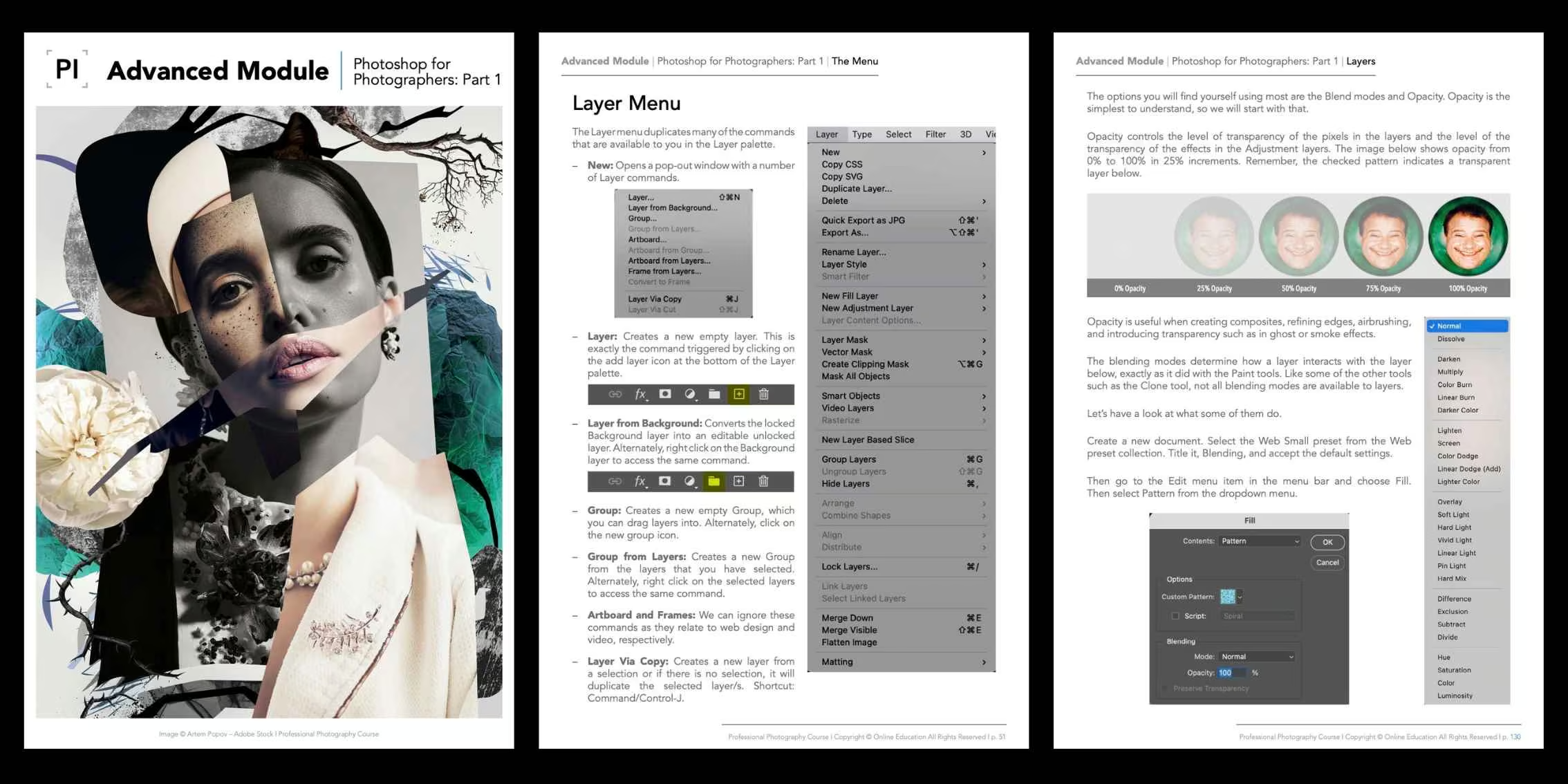
Refine your images and use Photoshop effectively through professional methods and workflow!
The Photoshop for Photographers: Part 1 Advanced Module is designed to help you refine and enhance that vision through professional retouching and a deeper understanding of digital post-production. It shows you how Photoshop becomes an extension of your creative process, allowing you to shape tone, colour, texture, and detail with intention and control. Every lesson is grounded in the realities of contemporary photographic practice, helping you work efficiently, non-destructively, allowing you to achieve high-end results in your photography post-production.
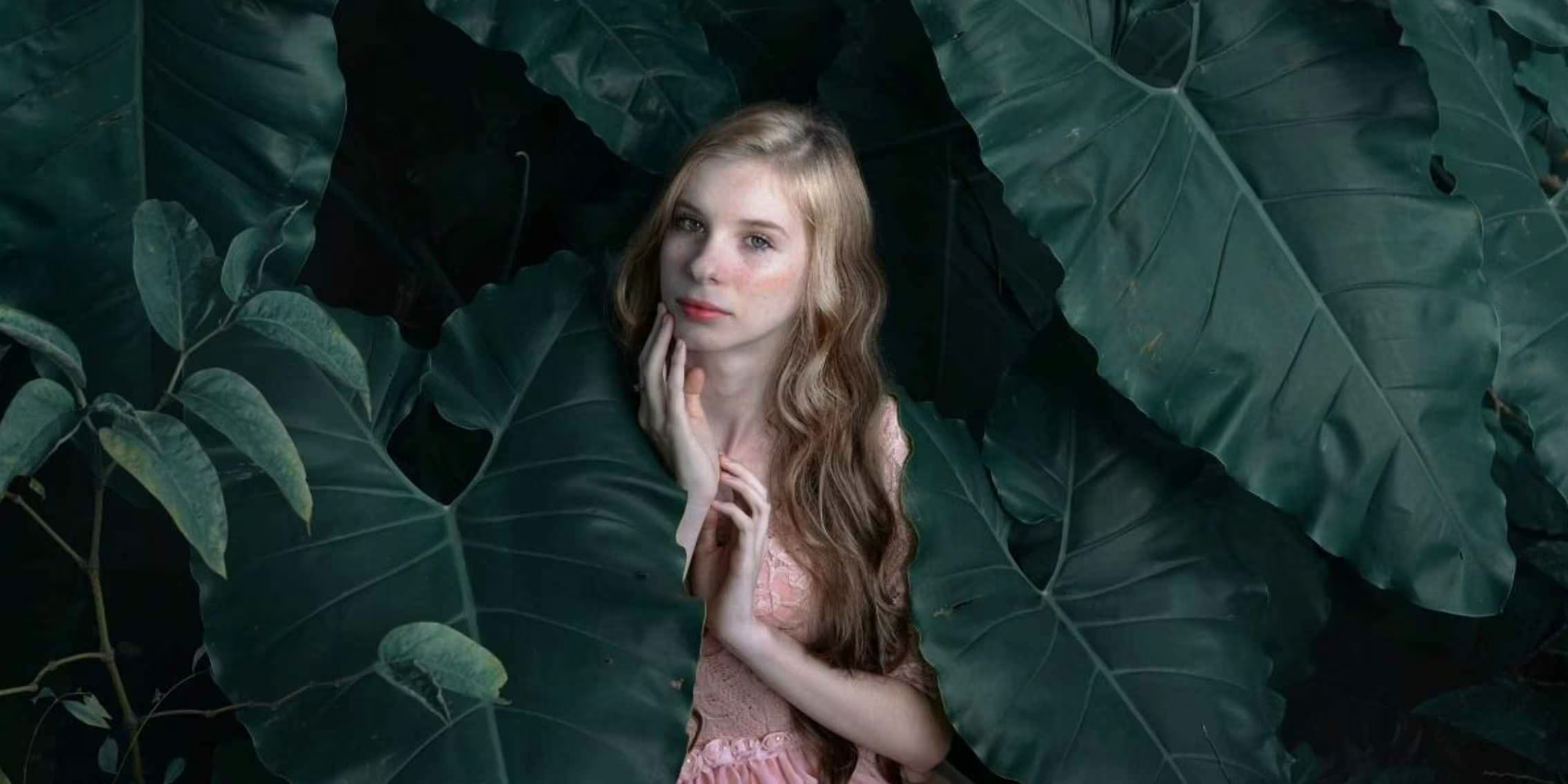 Image Source: #PIstudent Francieli Urbano @francieliurbano
Module Topics
In this module, we will cover the following topics and beyond:
- Julian Watt & Computer Retouching
- Photoshop’s Many Masters
- Introduction
- Julian’s Video Tutorials
- Lightroom vs Photoshop
- Photoshop Preferences
- Performance
- A Word on Equipment
- Functionality
- Photoshop Workflow
- Lightroom to Photoshop and Return
- Workflow Without Lightroom or Similar
- Third-Party RAW File Processing Without Catalog
- Workflow Without RAW Processor and Catalog
- The Workspace
- The Toolbar
- The Workspace
- The Menu
- File Menu
- Edit Menu
- Image Menu
- Layer Menu
- Type Menu
- Select Menu
- Filter Menu
- 3D Menu
- View Menu
- Plugins Menu
- Windows Menu
- Help Menu
- The Tools
- The Move Tool (V)
- The Marquee Tools (M)
- The Lasso Tools (L)
- The Quick Selection Tools (W)
- The Crop Tool (C)
- The Eyedropper Tool (I)
- The Healing Tools (J)
- The Spot Healing Brush Tool
- The Remove Brush
- The Healing Brush
- The Patch Tool
- The Brush Tool (B)
- The Clone Stamp Tool (S)
- The Gradient Tool (G)
- The Type Tool (T)
- The Pen Tool (P)
- The Hand Tool (H)
- The Zoom Tool (Z)
- The Extra Tools
- The Colours
- Quick Mask Mode (Q)
- Screen Mode (F)
- Tool Blending Modes
- Layers
- Bundaberg Red Case Study
- Layer Types
- Adjustment Layers
- The Individual Adjustment Layers
- The Brightness/Contrast Adjustment Layers
Module Outcomes
By completing the Photoshop for Photographers: Part 1 Advanced Module, you will:
- Develop a clear understanding of where Photoshop fits within professional photographic workflows.
- Confidently navigate the Photoshop interface, including workspaces, menus, and essential tools.
- Apply non-destructive editing techniques using layers, masks, and adjustment layers.
- Build efficient workflows between Lightroom and Photoshop, or work independently of a catalogue system.
- Improve retouching precision and consistency through practical, real-world editing techniques.
Ready to polish, refine and finalise your images with professional Photoshop techniques?
The Photoshop for Photographers: Part 1 Advanced Module is available exclusively to students enroled in our online Photography Course.
You’ll also receive a free six-month course extension and the support of a dedicated tutor who will guide you through the module and help you apply the lessons to your own editing, retouching and post-production photography workflow.
If you’re ready to elevate your photography through strong post-production methods in Photoshop, including retouching and editing, this module is the right step forward. Precise capture is crucial, but strong methods while finalising your images are essential to take your images to high-end levels.
Discover the Advanced Modules
Explore our outline page to learn more about the other advanced modules.
View Course Outline


 Argentina
 Australia
 Austria
 Belgium (FR)
 Bolivia
 Brazil
 Canada (EN)
 Chile
Chile
 Colombia
 Costa Rica
 Ecuador
 France
 Germany
 Hong Kong
 India
India
 Indonesia
 Ireland
 Italy
Italy
 Japan
Japan
 Malaysia
 Mexico
 Netherlands
 Paraguay
 Peru
Peru
 Philippines
 Portugal
 Qatar
Qatar
 Singapore
 South Africa
 Spain
Spain
 Switzerland (DE)
 United Arab Emirates
 United Kingdom
 United States (ES)
 Uruguay


