Photoshop for Photographers: Part 2
In this advanced module, following Photoshop for Photographers: Part 1, you will dive deeper into the exploration of professional computer retouching, guided by Julian Watt and built around real-world industry workflows. Through Julian’s video tutorials, you’ll gain clarity on how high-end retouchers think, plan and execute their work, ensuring precision, consistency and creative control from the very first adjustment.
From there, the module moves deep into advanced Photoshop techniques, covering cosmetic, beauty, glamour and high-end retouching, as well as complex compositing and colour grading. You’ll refine your skills with frequency separation, dodge and burn, advanced selections, transformations and modern colour theory, while exploring workflow, automation, exporting and printing. This module equips you to produce polished, professional results that meet commercial standards and elevate your retouching practice.
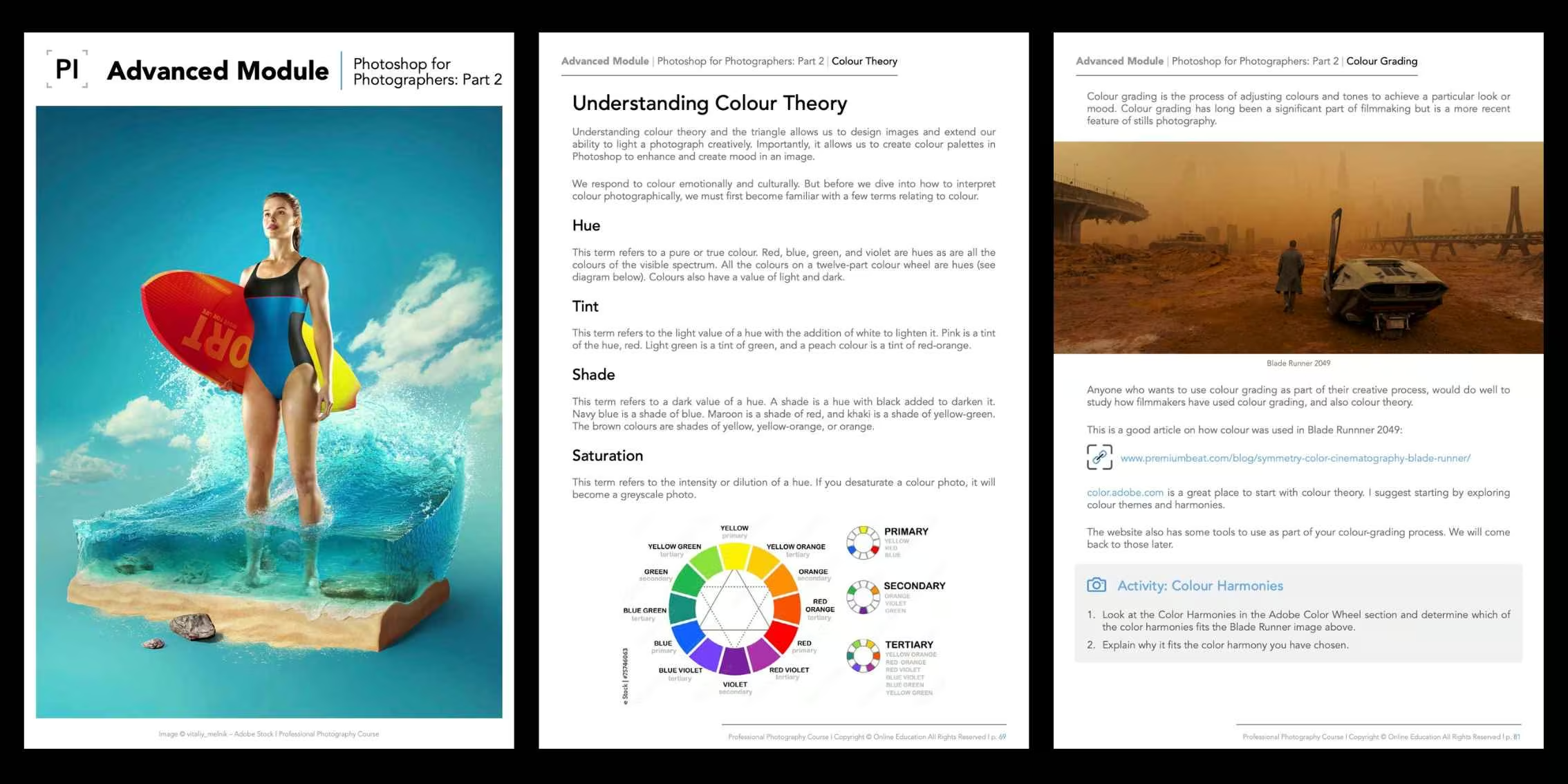
Elevate your post-production process further through advanced professional techniques!
Photoshop for Photographers: Part 2 emphasises advanced decision-making and refined finishing methods that elevate images from technically sound to visually exceptional. Through deeper technique, subtle refinement and intentional workflow, this module helps transform strong images into polished, professional-grade outcomes.
 Image Source: #PIstudent Ezra Zuniga
Module Outcomes
By completing the Photoshop for Photographers: Part 2 Advanced Module, you will:
- Apply advanced retouching techniques with greater precision, subtlety and consistency.
- Refine complex workflows for high-end beauty, portrait and commercial imagery.
- Confidently manage colour, tone and detail to achieve polished, professional results.
- Execute complex selections, compositing and transformations with control and accuracy.
- Streamline your post-production process through efficient, repeatable and professional workflows.
Ready to Build the Business Behind Your Creative Vision?
The Photoshop for Photographers: Part 2 Advanced Module is available exclusively to students enroled in our online Photography Course.
You’ll also receive a free six-month course extension and the support of a dedicated tutor who will guide you through the module and help you apply the lessons to your own advanced post-production photography workflow.
If you’re ready to push beyond foundational post-production and refine your Photoshop workflow at an advanced, professional level, this Part 2 module is the next step forward. Building on established retouching and editing techniques, you’ll focus on precision, control and consistency to achieve polished, high-end results suitable for commercial and creative applications.
Discover the Advanced Modules
Explore our outline page to learn more about the other advanced modules.
View Course Outline


 Argentina
 Australia
 Austria
 Belgium (FR)
 Bolivia
 Brazil
 Canada (EN)
 Chile
Chile
 Colombia
 Costa Rica
 Ecuador
 France
 Germany
 Hong Kong
 India
India
 Indonesia
 Ireland
 Italy
Italy
 Japan
Japan
 Malaysia
 Mexico
 Netherlands
 Paraguay
 Peru
Peru
 Philippines
 Portugal
 Qatar
Qatar
 Singapore
 South Africa
 Spain
Spain
 Switzerland (DE)
 United Arab Emirates
 United Kingdom
 United States (ES)
 Uruguay


